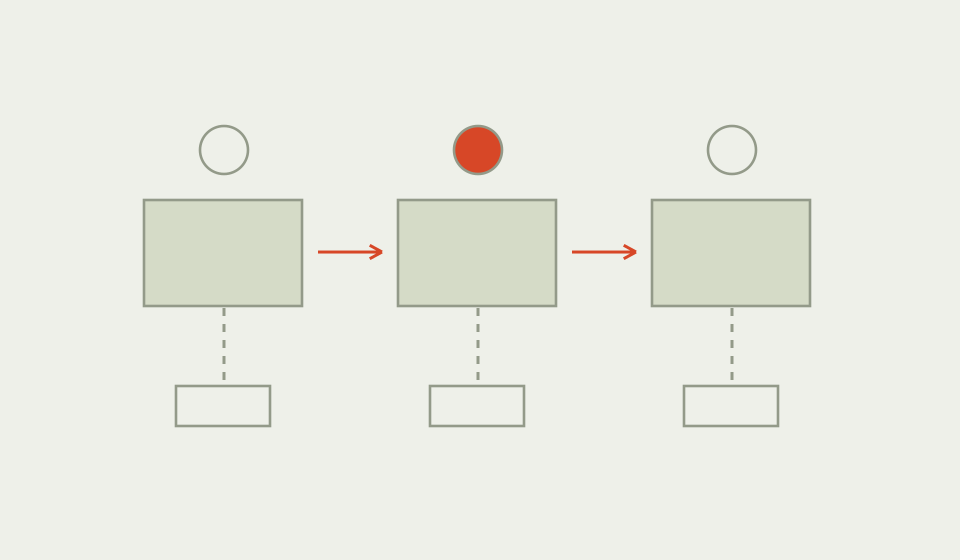
01 / UNDERSTAND
What is a cognitive walkthrough?
A cognitive walkthrough is a usability inspection focused on learning a task through exploration. Evaluators step through the intended actions and ask whether a specified user would know what to do, recognise the action and understand the feedback.
The result is a reasoned prediction of possible difficulties, not an observation of users. The method is especially useful when an interface must explain itself to someone with limited prior experience.
Why use Cognitive Walkthrough?
A team that knows the interface can overlook the knowledge it expects from a newcomer. Walking through individual actions slows that reasoning down. A control can be visible and still fail because its label does not connect with the person’s goal.
When to use it
USE IT WHEN
A new or infrequent user must complete an important task without training.
A prototype exists but user sessions are not yet available.
The team needs to identify learnability questions to investigate in testing.
When to choose another method
Use Usability Testing to observe what people actually do.
Use Heuristic Evaluation for a broader inspection against usability principles.
Use User Interviews when the task or expected prior knowledge is unclear.
What you’ll need
Describe the user’s relevant knowledge, the starting state, the task goal and the intended action sequence. Gather a prototype or screen sequence with feedback states. Include evaluators who can challenge design assumptions. Record the interface version so findings remain traceable after changes.
What the method needs
Keep the elements that help answer your question and support a decision.
Would the user try to achieve the outcome needed at this step?
Would they notice the available action?
Would they connect that action with the outcome they want?
Would the response show progress towards the goal?
02 / PUT IT INTO PRACTICE
How to conduct a cognitive walkthrough
Keep evidence and assumptions distinct. Revisit your work when new information changes your understanding.
01
Specify the user and task
Write what the person already knows and a realistic task without interface instructions.
Ask them to change a delivery location, not to open Preferences.
02
List the intended actions
Record the sequence and starting state. Include consequential confirmations and errors.
Keep the required path separate from the task wording.
03
Inspect each action
Apply the four questions at every step. Explain why success or difficulty is plausible.
Visible text is stronger support than the designer saying the icon is obvious.
04
Write failure stories
Describe the missing knowledge, cue or feedback and the resulting risk.
A person may interpret Preferences as marketing settings and never open it.
05
Separate fixes from uncertainties
Propose a revision where the problem is clear and a research question where the reasoning is uncertain.
Do not turn every evaluator disagreement into a confident defect.
06
Check the revised sequence
Repeat affected steps and use user sessions to examine important predictions.
Verify that clearer navigation also leads to understandable confirmation.
Example: changing a delivery location
Illustrative inspection: a parcel service places delivery changes under a menu labelled Preferences. The intended user has a tracking link but has never used the service before. The task is to send the parcel to a collection point.
At the menu step, an evaluator predicts an association problem: Preferences may suggest account settings rather than an active delivery change. The next screen offers a collection point, but its final message says Saved without confirming which parcel changed. That creates a separate feedback concern.
The team would try a more explicit delivery action and a confirmation naming the parcel and location. It would then test whether newcomers find and understand the route. The predicted problems are invented for this example and are not measured failure rates.

03 / BELOW THE SURFACE
Below the surface: do not lend the user your knowledge
Evaluators can accidentally solve the task using information the interface never provides.
KNOWLEDGE
Where would the user learn this?
Name the visible cue or relevant prior experience.
PREDICTION
What difficulty is being proposed?
Describe a mechanism rather than a vague severity label.
CHECK
What observation would challenge it?
Use the prediction to plan a focused test.
Once an evaluator knows that Preferences contains delivery options, later reasoning becomes easier. That knowledge can leak into the imagined user’s experience. Keep a record of what the person could know at each step.
When someone argues that a user will understand a label, ask where that understanding comes from: earlier experience, visible content or a previous action. If none applies, label it as an assumption.
This guide’s editorial check is to remove privileged knowledge from the success story. It should not become an attempt to simulate every possible person. Keep the user description narrow and take important uncertainty into research, especially when language, assistive technology or unfamiliar conventions shape the task.
Cognitive Walkthrough companion worksheet
Use page one to define the user, task and action sequence. Page two applies the four walkthrough questions to one critical step, with space for evidence and a follow up test. Duplicate the step sheet as needed.


Practical tips
Record reasons for likely success as well as possible failure.
Keep task wording free of the answer.
Common mistakes
Presenting inspection predictions as user research findings.
Assuming users know what the evaluator has just learned.
Ignoring feedback after the correct action.
What you’ll get
A set of specific learnability concerns with their assumptions exposed. Fix clear communication gaps and use the remaining predictions to focus user testing.